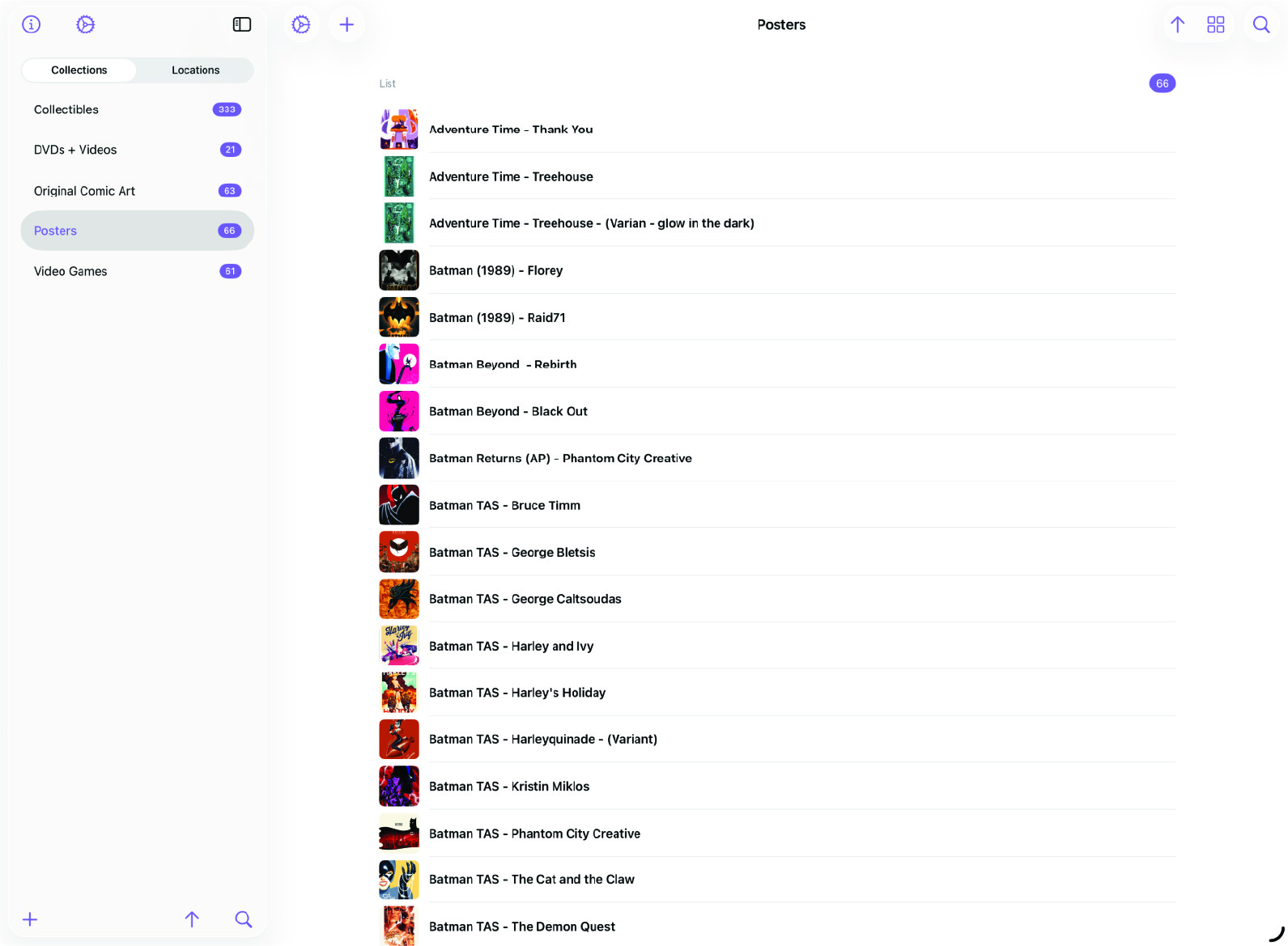
Split View on Large Screens
MDCollections was designed as a mobile-first app, but collections deserve room to breathe. With the new split-view layout, large screens like iPad get a dedicated two-panel experience, your sidebar and detail view side by side, with no tapping back and forth.
This post walks through what changed in the sidebar layout and how the split view makes managing collections faster on bigger screens.
Split View Layout
On large screens, MDCollections now shows the sidebar and the detail view at the same time. Select a collection or item on the left, and its details appear immediately on the right. No navigation transitions, no losing your place, just a persistent two-panel layout that keeps you oriented.
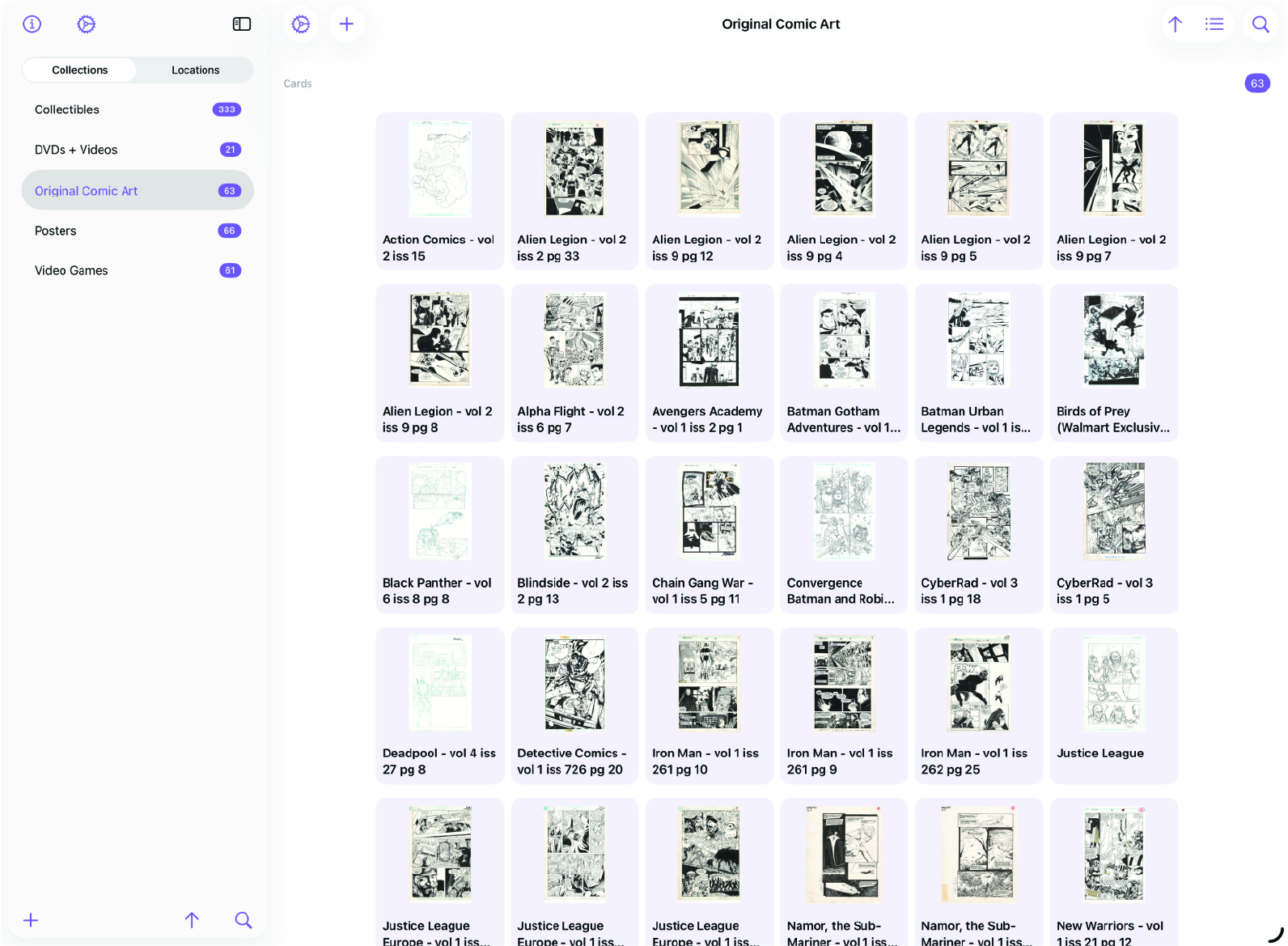
Sidebar Top: About and Settings
The top of the sidebar now has quick-access buttons for the About view and App Settings. These were moved here to keep them accessible without burying them in menus. One tap to check app info, one tap to adjust settings. Always visible, always reachable.
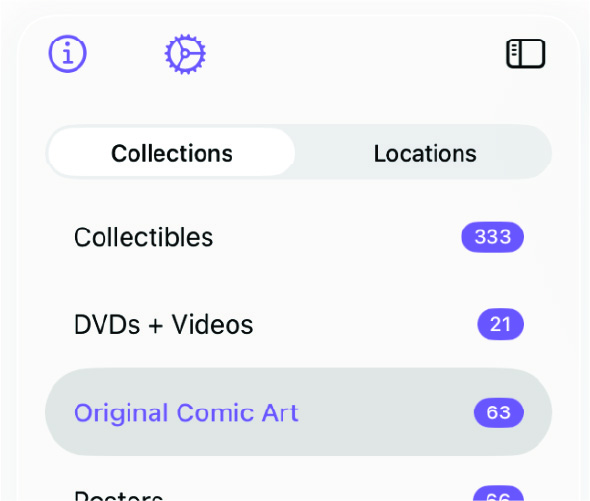
Sidebar Bottom: Add, Sort, and Search
The bottom of the sidebar is where the action buttons live:
- Add - Create a new collection or location, depending on which tab is currently selected in the sidebar.
- Sort - Change how the list is sorted without leaving the sidebar.
- Search - Filter the current list to find what you’re looking for quickly.
These controls stay pinned at the bottom of the sidebar, so they’re always within reach regardless of how long your list gets.

Detail View
The detail view on the right side of the split remains unchanged — it shows the full item or collection view just as it does on smaller screens. The difference is that it’s now always visible alongside the sidebar, so you can browse your list and see details simultaneously.
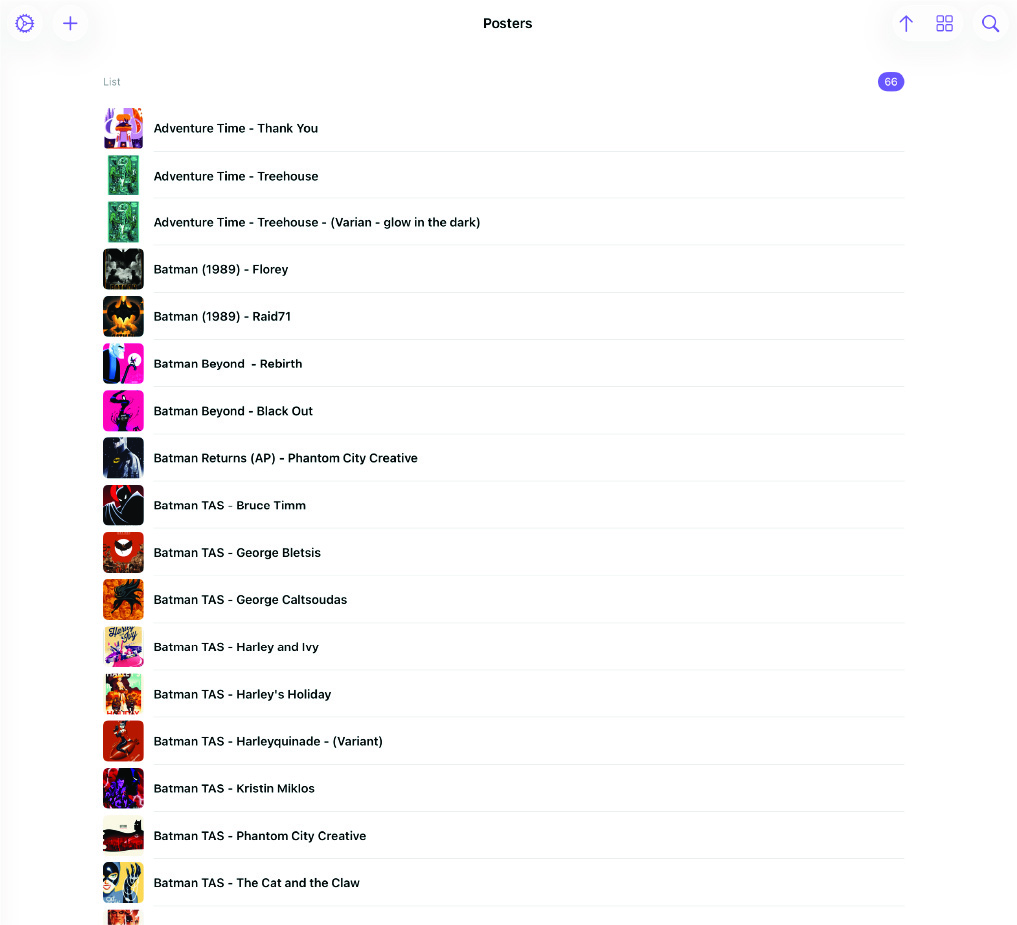
More Info at Your Fingertips
The split-view layout is about density. On a phone, you navigate between screens one at a time. On an iPad or large screen, you see both the sidebar and the detail view at once. Combined with the reorganized sidebar, with settings and info at the top and action buttons at the bottom, everything you need is visible without extra taps.
If you’ve been using MDCollections on an iPad, this update should feel like a natural fit. More screen, more context, fewer transitions.